Give your drop something to post.
Turn product assets into videos, photo slideshows, carousels, and image posts. Build a small content set around the clothing you have already created.
Available on Growth and above. Growth does not include a free trial.
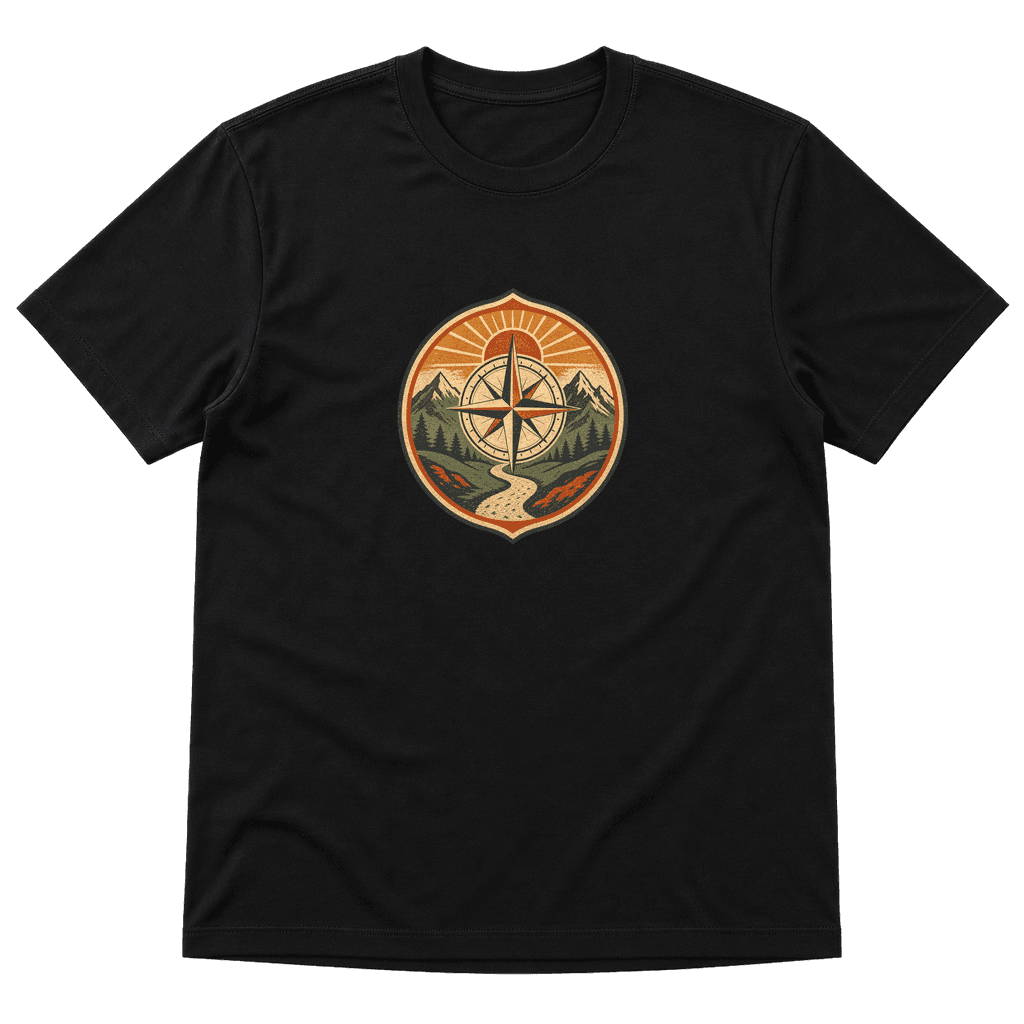 01 / Reveal
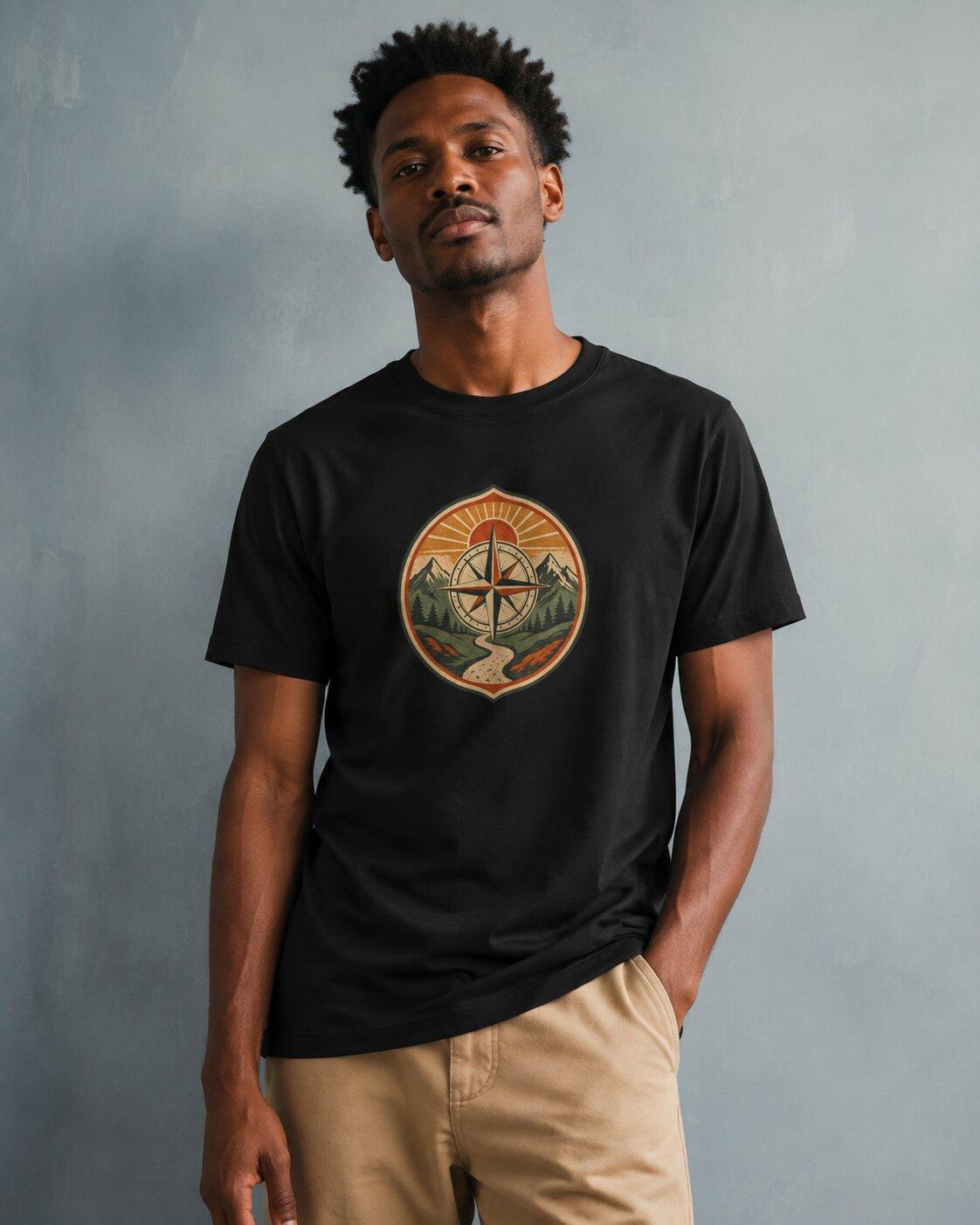 02 / Wear03 / Detail
Work from your product
Use your design and mockup assets as the starting point.
Choose the right format
Make a video, a sequence of photos, or a simple image post.
Review for the channel
Check the framing, copy, and destination before publishing.
One product. More ways to tell the story.
You do not need a new campaign for every post. Give each piece a clear purpose: introduce the design, show it worn, or explain a detail.
Choose one story to tell
Start with a product reveal, a collection introduction, or a closer look at the artwork. Pick assets that make the product easy to recognize in the opening frame.
Build the sequence
Use a video workflow for scenes and movement, or a slideshow when a good image set tells the story. A carousel can show several views without asking someone to watch a video.
Check the final post
Watch the entire result. Review garment consistency, captions, audio, and any product claims. Preview the framing on a phone and make sure the next step is clear.
01 / Reveal02 / Wear03 / DetailIn the walkthrough
One product. More ways to tell the story.
- Choose one story to tell
- Build the sequence
- Check the final post
Reveal. Wear. Detail.
Introduce the graphic, show the tee styled, then return to the artwork. This simple three-part sequence gives a small drop a useful story. A final caption can tell people where to find the collection without crowding every frame.
Explore the content guideYour review checklist
- The product is recognizable in the opening frame.
- The garment and print stay consistent throughout the sequence.
- Captions are readable on a phone and essential information is available without sound.
- Audio, images, product claims, and the destination have been reviewed.
Before you get started.
Do I have to generate a full video?
No. Vaybel also supports photo slideshows, multi-image carousels, and single-image posts. Choose a format based on the assets you have and the story you need to tell.
Can I use the mockups I already made?
Yes. Product and mockup assets can be the starting point for your content. Review them before creating a sequence so errors do not carry into the finished post.
Which social destinations are supported?
Vaybel supports social publishing workflows for TikTok, Instagram, YouTube, and X. Available formats depend on the destination and your connected account. Check the options shown for your post.
Will a product video guarantee more sales?
A video is one part of the offer. Start with clear product content, publish a focused test, and compare the response with your own previous posts. Use what you learn to choose the next version.
A little idea. Something worth making.
Bring your product, your audience, and your point of view. Build the next part of your clothing brand with Vaybel.