Give your clothing a world to live in.
Build a useful image set around your product: clear garment views, on-model mockups, and scenes that feel at home in your brand.
7-day Starter trial · Card required · Cancel before billing
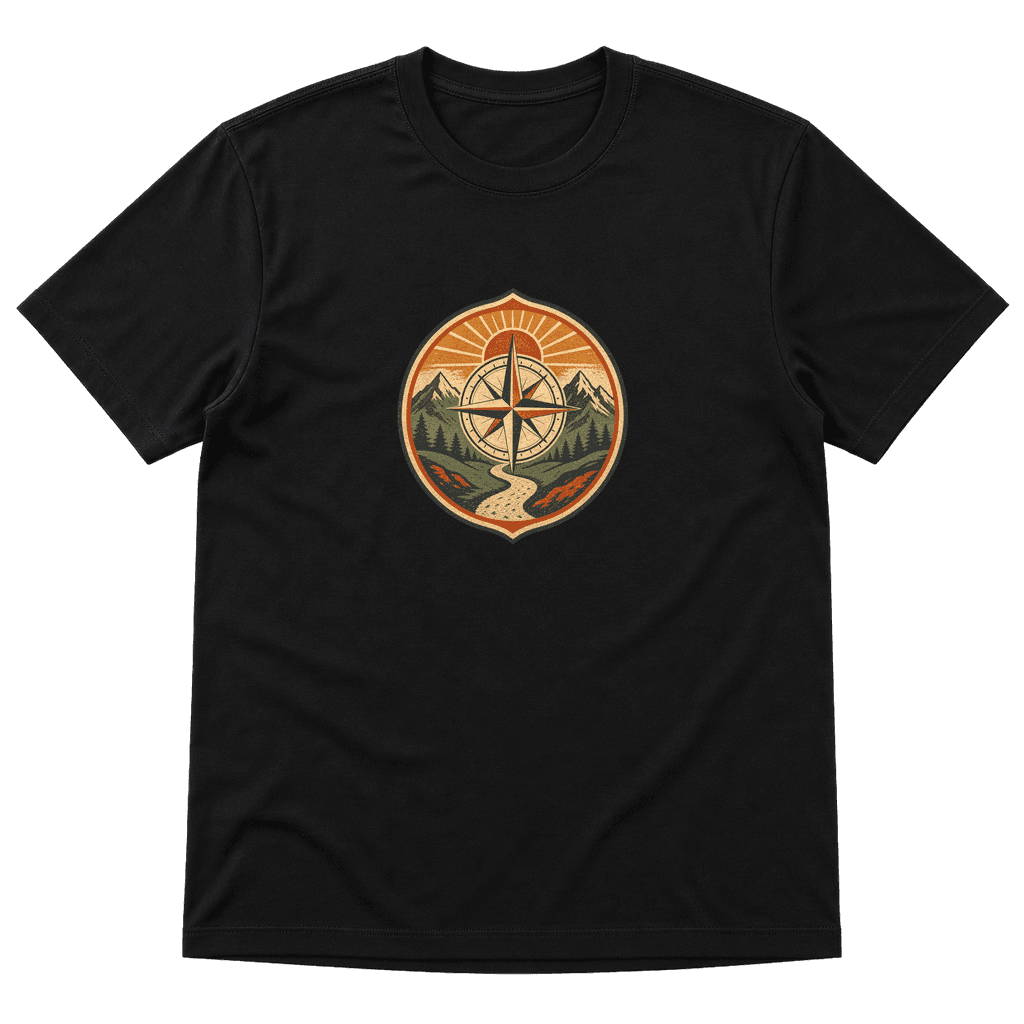
Show the product clearly
Start with views that explain the garment and print placement.
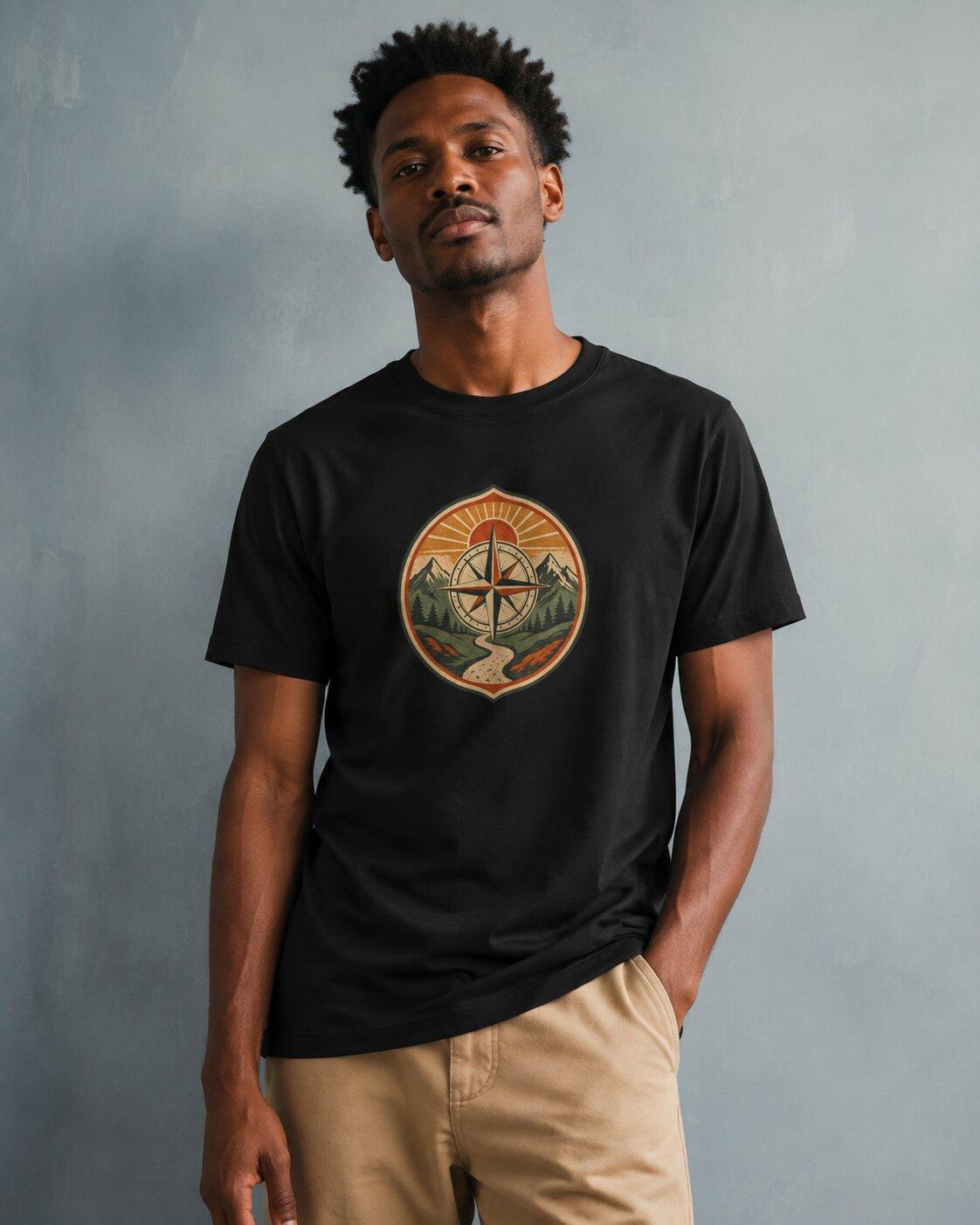
Create a sense of style
Explore model and scene directions suited to your audience.
Build an image set
Choose complementary images with a job to do in the listing.
Every image should answer a question.
A beautiful scene gets attention. A useful gallery also helps a buyer understand what they are ordering.
Establish the product view
Start with the selected blank and finished design. Make sure the front image shows the garment color and artwork clearly before developing the rest of the set.
Find the setting
Create an on-model or lifestyle direction that fits the collection. Think about the clothing someone would pair it with, the background, and the mood of your shop.
Edit the set as a whole
Review the garment, print size, and image details in every result. Pick a clear lead image and supporting views that add information, rather than repeating the same crop.
Prepare your listingIn the walkthrough
Every image should answer a question.
- Establish the product view
- Find the setting
- Edit the set as a whole
Watch the current workflow recording
Three useful views beat a crowded gallery.
For a graphic tee, start with a clear front view, a styled on-model image, and an image that helps explain the artwork or fit. Add a size chart using the selected blank’s measurements. Keep the visual direction consistent.
Explore the mockup guideYour review checklist
- The garment color, print placement, and proportions match the product.
- The main photo remains clear when cropped to a small shop thumbnail.
- Supporting views explain something new about the product.
- Generated images are checked against the blank and a physical sample.
Before you get started.
Are these real model photographs?
Virtual model and lifestyle mockups are AI-generated images. They help explore presentation, but they do not replace photographs of a physical sample when you need to demonstrate fit, texture, or print quality.
Can I use the same look across a collection?
Use a consistent model and scene direction across your products, then review the outputs together. Check that the garment details and styling remain coherent from one image to the next.
Are all mockup options available for every garment?
Available views and supporting images depend on the product and provider. Start with the options shown for your selected blank, and review the set before publishing.
What should I check before adding an image to my shop?
Compare the generated garment with the actual blank, inspect print placement and any distorted details, and review the crop on mobile. Keep sizing and product descriptions grounded in the provider’s product information.
A little idea. Something worth making.
Bring your product, your audience, and your point of view. Build the next part of your clothing brand with Vaybel.