Your next clothing drop, on your own store.
Create apparel designs, prepare product photos, and publish listings to your connected Shopify store from Vaybel.
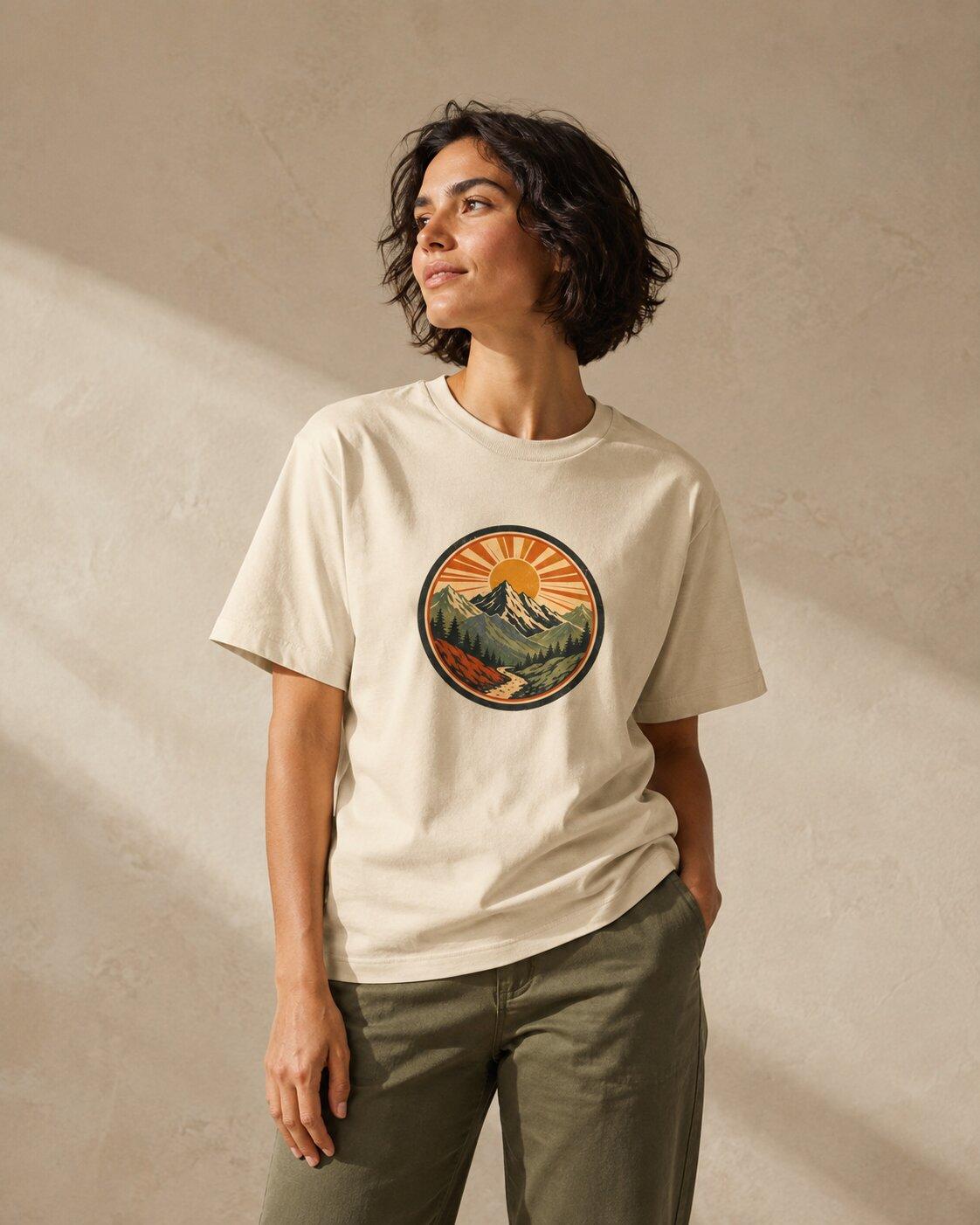
The scenic route.
Mountain graphic teeCream · Front printThe listing checklist
- Product photos
- Fit & sizing
- Details & variants
01
Connect your store and print provider
Connect Shopify in Vaybel’s integration settings and choose a supported production partner, Printful or Printify. Start with a blank that fits your audience, print placement, and selling price.
02
Build the design and image set
Describe your idea, refine the artwork, and create product or lifestyle mockups. Review the garment, placement, and colors before choosing the images for your store.
03
Review the listing, then publish
Prepare the product title, description, images, variants, and price in the listing workflow. Select your connected Shopify store and review the published product in Shopify.
04
Merchandise the collection in Shopify
Use Shopify for your storefront theme, navigation, collections, and customer experience. Order a sample and check the live product page on your phone before promoting the drop.
Start with one product
A focused first drop is easier to review. Choose the right blank, check the print file, confirm sizes and pricing, and make sure your images describe what a customer will receive.
Budget for the whole order
Vaybel’s subscription and credits cover its software workflow. Your Shopify plan, production, shipping, and other selling costs are separate.
Estimate Vaybel costsMake something your audience will recognize.
Bring a design idea and a Shopify store. Build your first product in Vaybel, then review it before launch.