Set the brief.
Name your drop and add its target date, theme, palette and audience. Fill out the form yourself, or ask Brand Assistant to propose a plan and review it before creating the drop.
Give your next release a home. Keep its brief, products, listings and content together, from the first idea to the work still waiting for your review.
Sign in to continue. Brand Assistant is available on Starter and above.
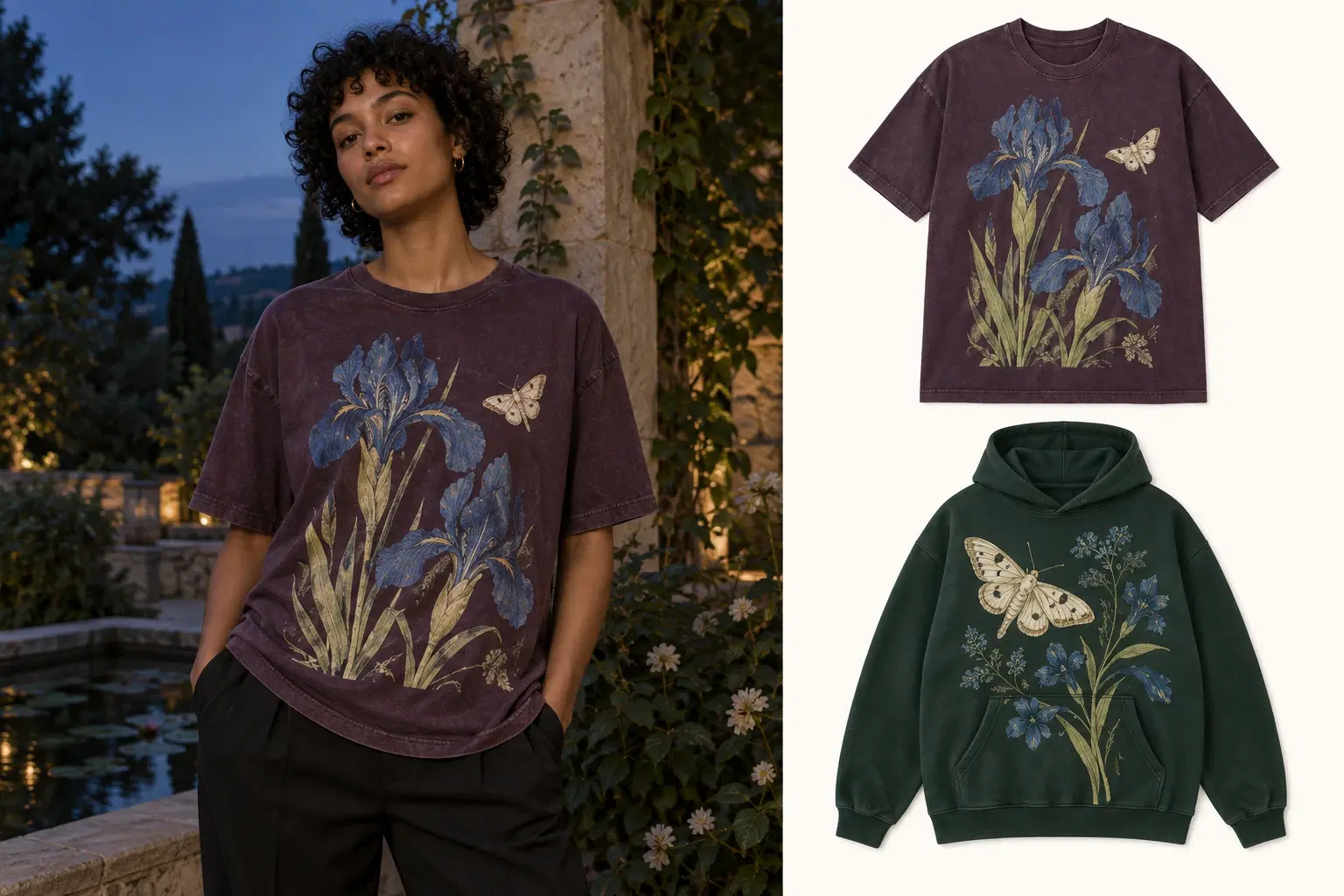
A botanical collection after dark. One direction for the collection, the shop and the story you share.
Name your drop and add its target date, theme, palette and audience. Fill out the form yourself, or ask Brand Assistant to propose a plan and review it before creating the drop.
Create products from the drop or add existing work. Their designs, listings, videos and posts stay connected, so you can see the release taking shape.
Get help choosing blanksReview the design, mockups and listing for each product. Check content readiness separately and publish through the listing workflow when you are ready.
Attach products to a drop before publishing. Vaybel can group the published listings in your connected shop, using the drop name.
Read the Drops workflowNo. A drop is optional. Use one when you want to organize a themed release; individual products can still be created and published on their own.
The drop brief currently informs listing copy. Review and enter your artwork prompt in the Design step. Brand Assistant can help discuss the creative direction.
Drops is not a two-way collection editor. Renaming a drop, moving products or adding an already-live listing does not automatically update the external shop grouping. Check and adjust those changes in your shop.
Yes, you can keep the products and content together in Vaybel. Drops does not create a matching TikTok Shop collection.