Made of your ideas.AI design generator
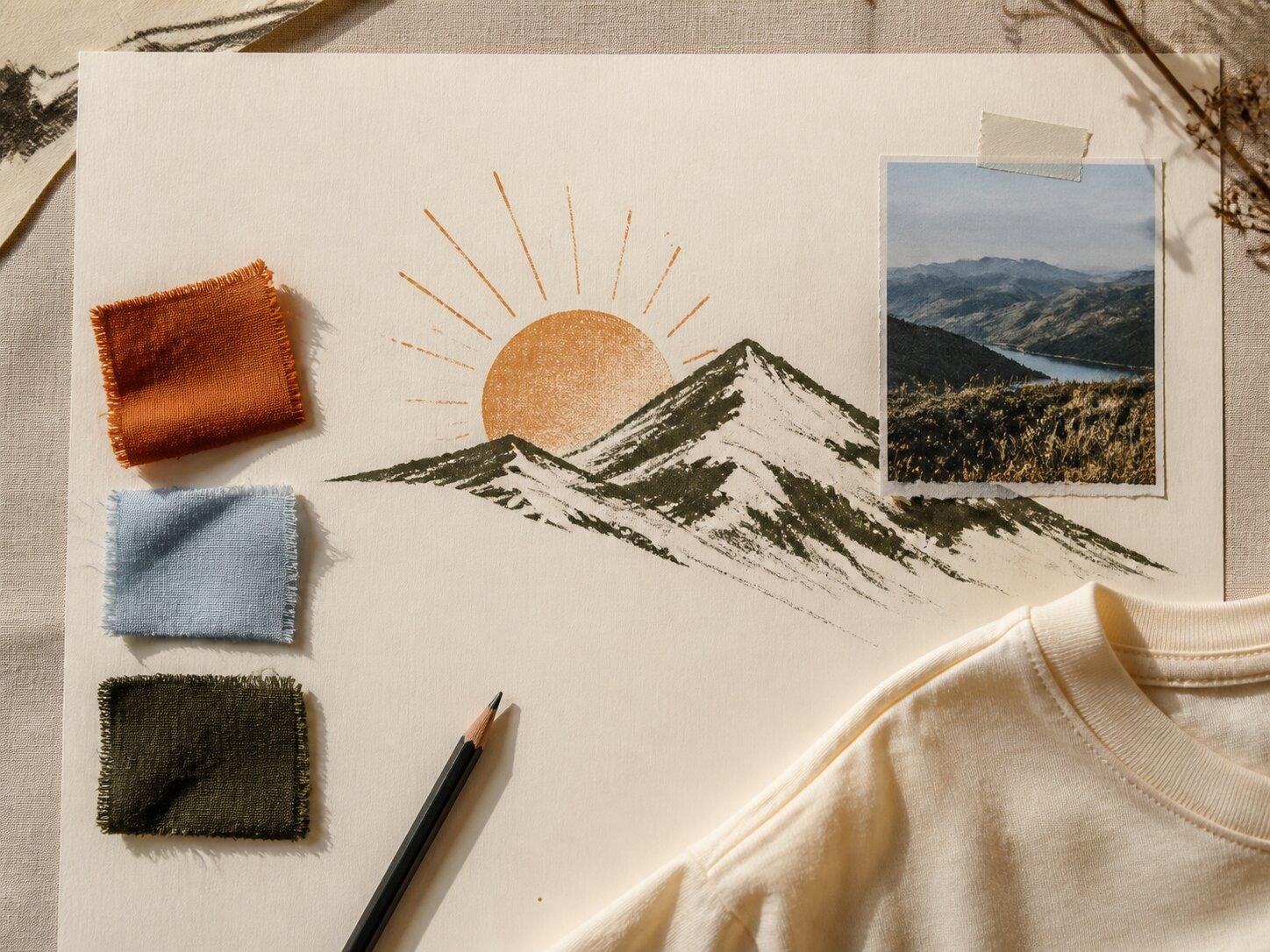
Develop original artwork for tees, hoodies, and all-over-print clothing. Start with a brief, explore a direction, and refine it on the product you want to sell.
Explore the workflowTalk through an idea, create the clothing, prepare it for your shop, or improve a product already live. Choose the part of your workflow you want to work on.
Made of your ideas.Develop original artwork for tees, hoodies, and all-over-print clothing. Start with a brief, explore a direction, and refine it on the product you want to sell.
Explore the workflow
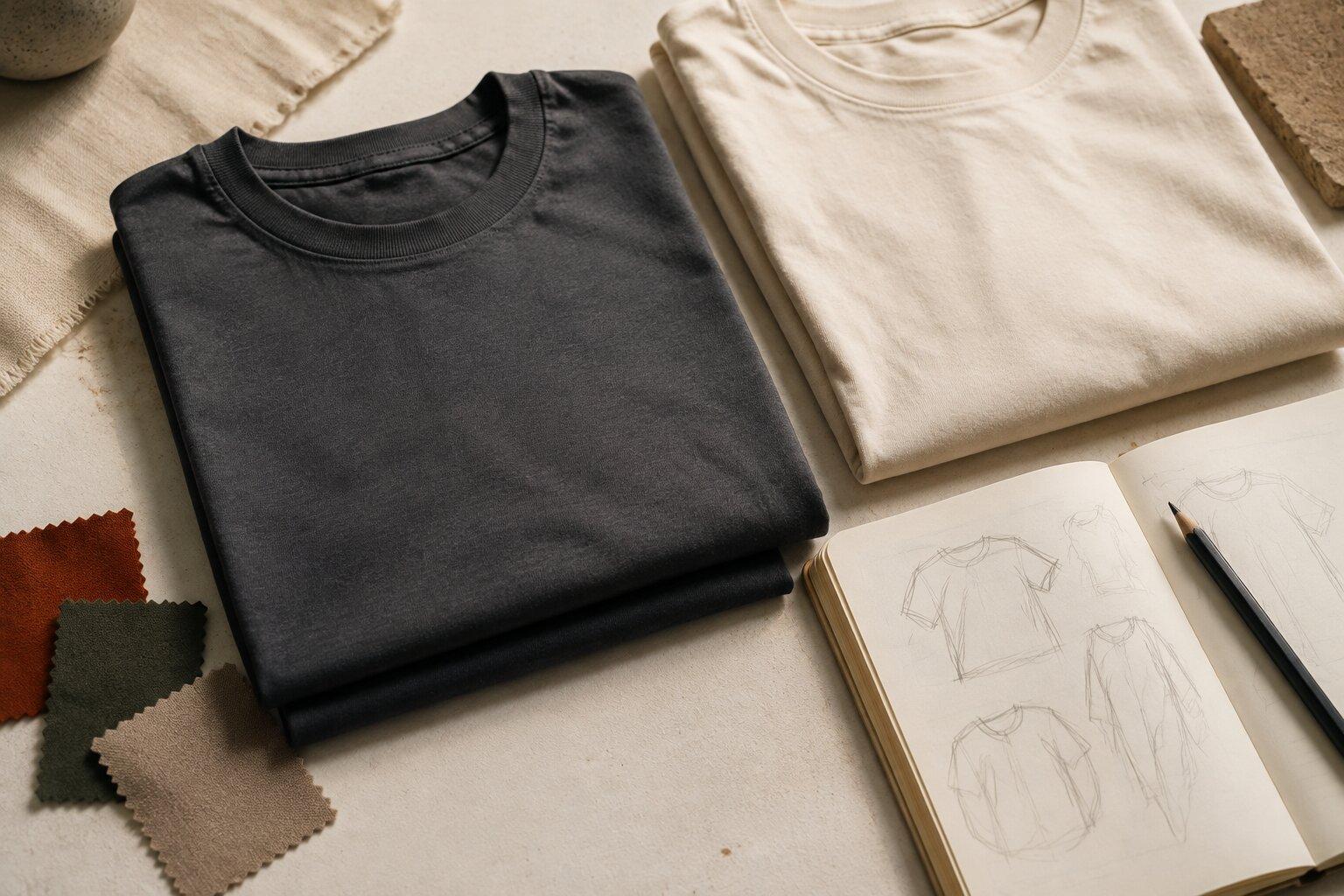
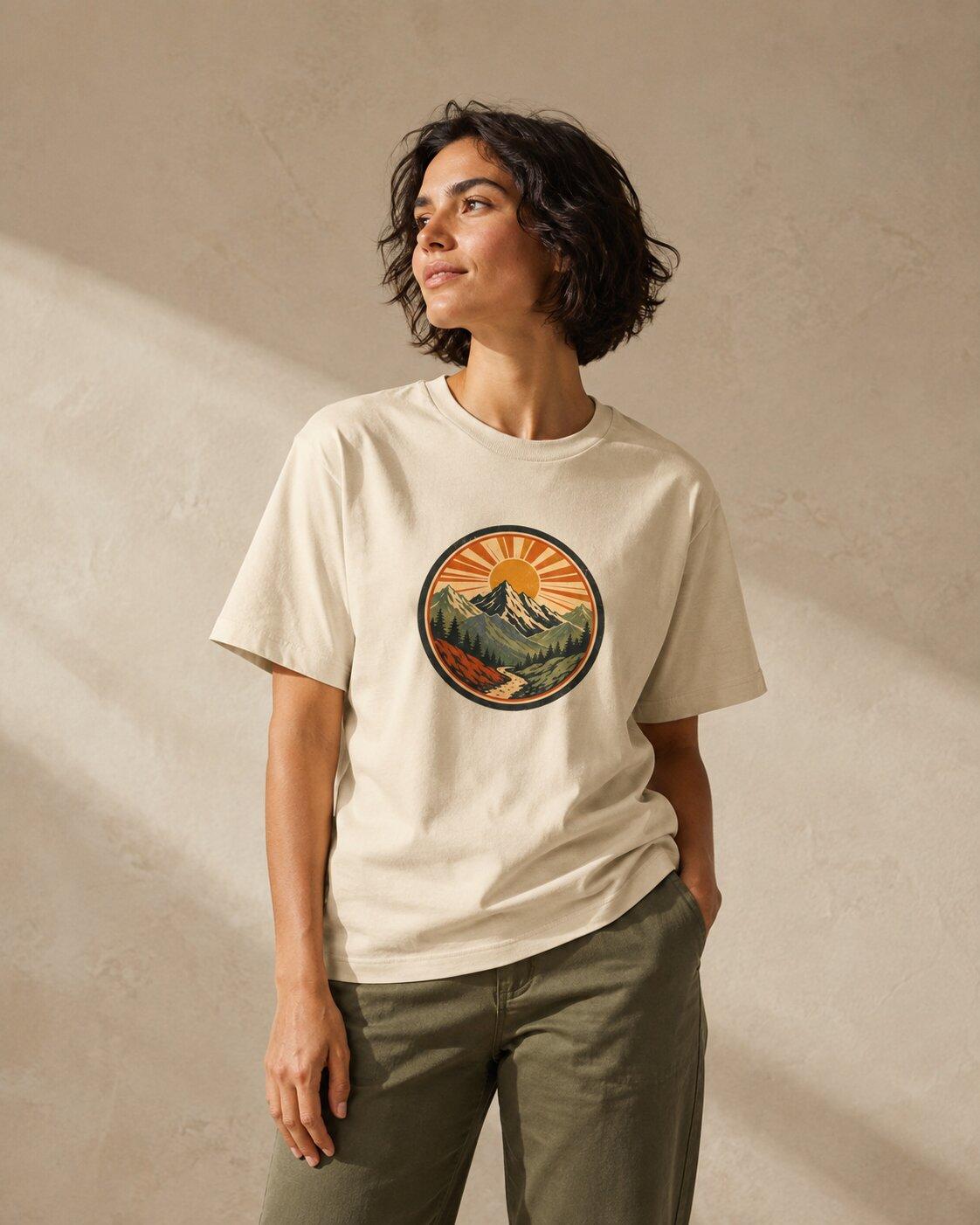
Build a useful image set around your product: clear garment views, on-model mockups, and scenes that feel at home in your brand.
Explore the workflow
The scenic route.
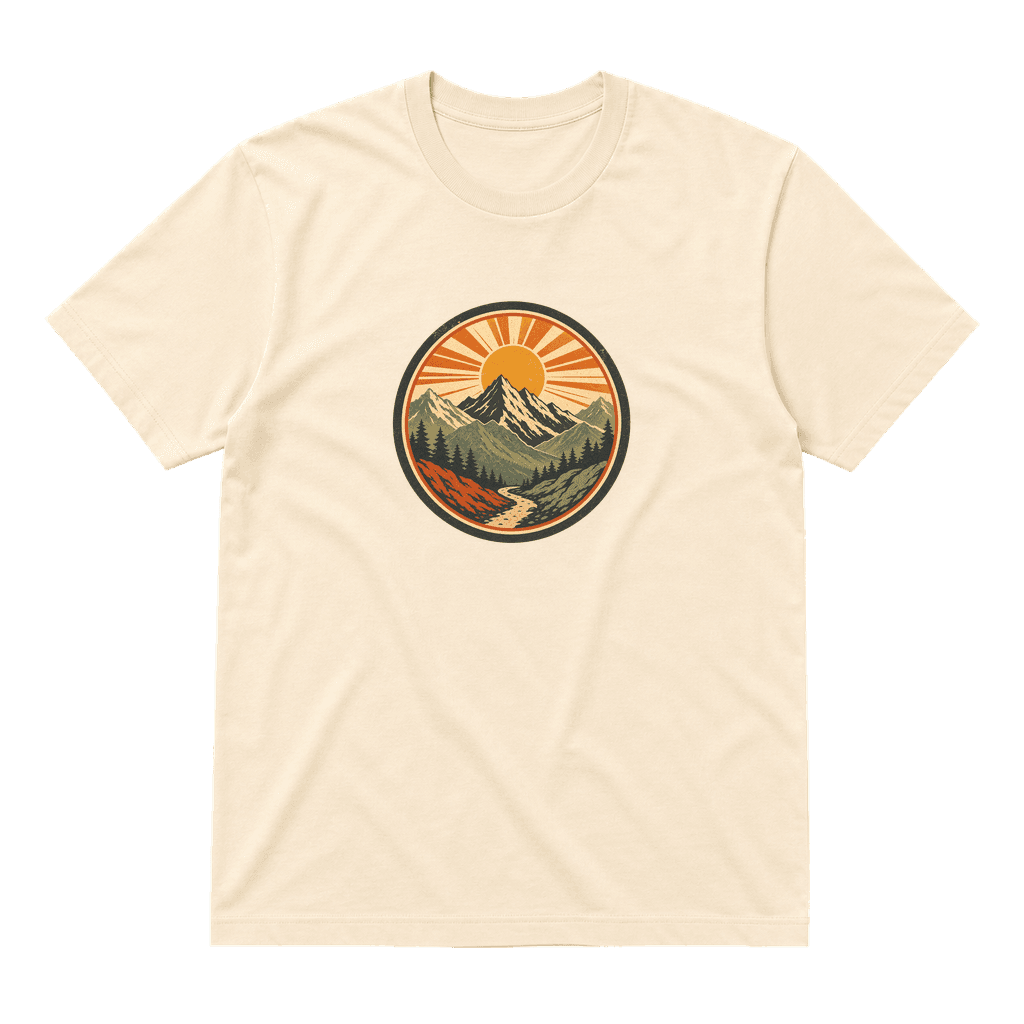
Mountain graphic teeBring your artwork, photos, and product details into one listing workflow. Draft the copy, review the variants, and publish to your connected sales channels.
Explore the workflow
01 / Reveal
02 / Wear
03 / DetailTurn product assets into videos, photo slideshows, carousels, and image posts. Build a small content set around the clothing you have already created.
Explore the workflow
A direction worth exploring.Explore apparel ideas through the lens of your brand and audience. Review the available signals, choose a direction, and turn it into a focused product brief.
Explore the workflow
What to keep.
What to try next.
Review connected shop activity, product performance, and listing health. Use the available data to choose where to spend your next hour.
Explore the workflow“A small collection for people who take the long way home.”
From an idea to a useful brief
Plan in Brand Assistant Create in Launch Product
Talk through your next clothing idea with an AI assistant that can use your Brand DNA and workspace context. Explore a direction, find blanks, and shape a brief you can take into design.
Explore the workflow
Find your own way.
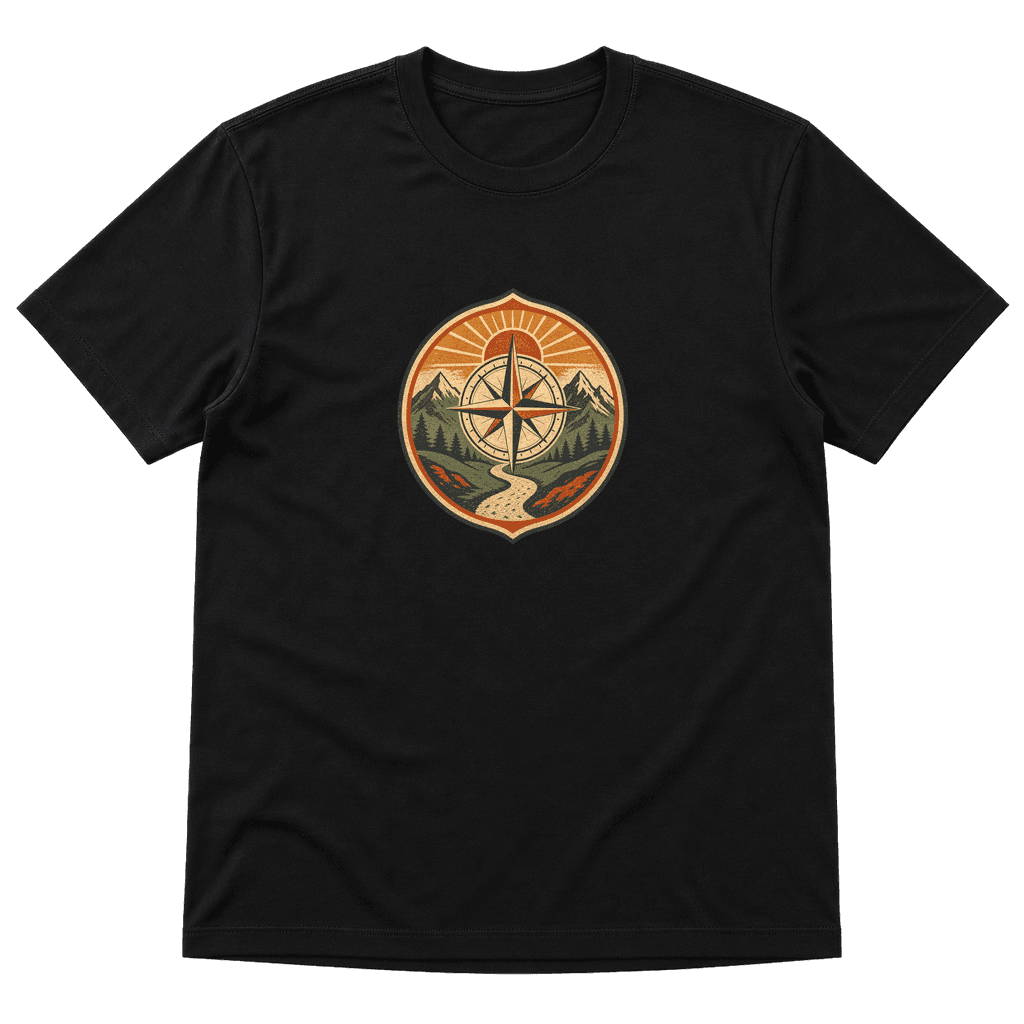
Black · Front printAn example title edit
Compass shirt
Black compass graphic tee
Give an existing product a fresh look. Improve listing copy, refresh the image set, compare your edits, and choose which changes to publish to your connected shops.
Explore the workflowImages are illustrative creative concepts. Each feature page includes a workflow guide.
Sell on
Print and ship with
Describe the fit, fabric and feel your brand needs. Compare suitable blanks with Brand Assistant before starting your design.
Find your starting pointKeep a release brief, its products, listings and content together. See what still needs attention before you launch.
Plan a clothing dropBrand DNA holds your audience, colors, and tone. Use it to give Brand Assistant and your creative workflow a shared starting point. Your dashboard helps you find the next step as the product takes shape.
Connect Vaybel through MCP to use supported product workflows from your chosen AI client. Start with a specific task and review changes before publishing.
Our getting started guide walks through the decisions, connections, and checks behind your first listing.