Give it a wearing brief.
Who is this for? How should it fit and feel? Bring your must-have sizes, colors, season and intended use. If you are still figuring that out, the Assistant can help you narrow it down.
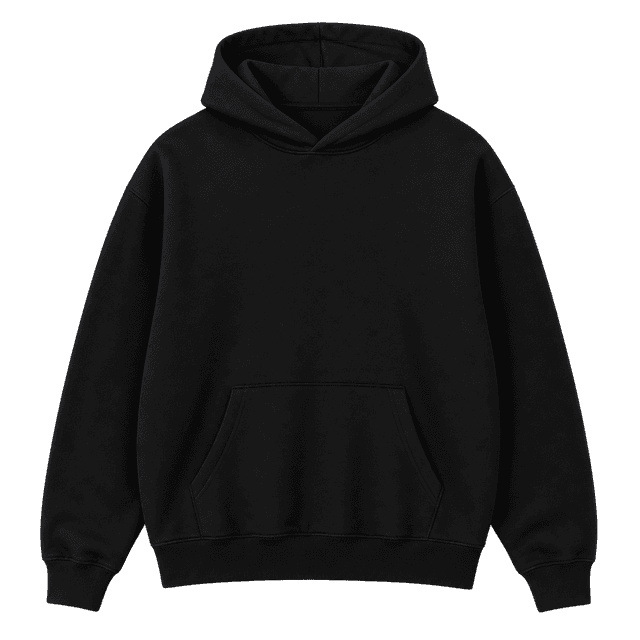
A soft everyday tee. A substantial hoodie. A closer fit in just the right colors. Tell your Assistant what matters, and work toward a shortlist you can explain.
Build my blank brief Prefer to browse? Open the Blank library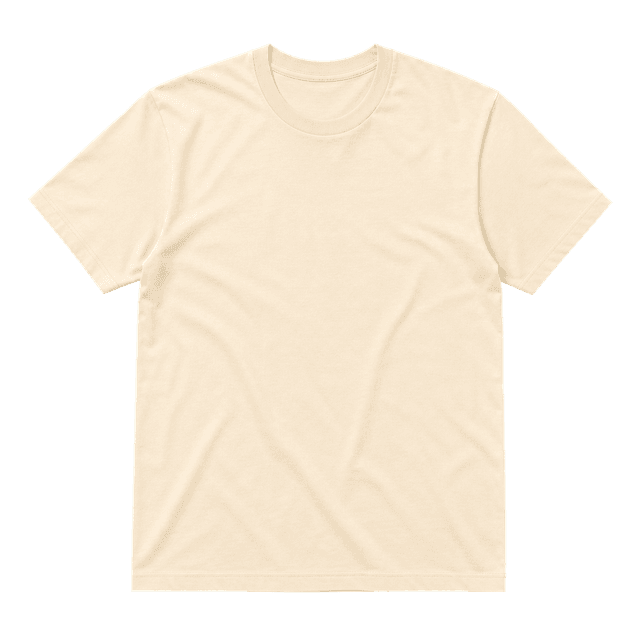
Blank finder is a focused way into Brand Assistant. It uses your Brand DNA where available, asks about your product or drop, and helps you compare the garments that make sense for it.
Who is this for? How should it fit and feel? Bring your must-have sizes, colors, season and intended use. If you are still figuring that out, the Assistant can help you narrow it down.
Ask for a small shortlist, then dig into materials, measurements and construction. Research-backed guidance comes with sources and tradeoffs. Missing evidence stays visible.
Choose a returned blank to continue in Launch Product. Review its available options and start your design when you are ready. You can also ask for help from the product selection step itself.
Browse researched garments, open the source material, or compare two to four blanks side by side. The library is public and works without an account.
Explore the Blank libraryA blank is the undecorated garment you build a product on: a T-shirt, hoodie, sweatshirt or another style. Its fit, fabric and construction are part of what your customer wears, whatever artwork you add.
The library lets you browse published research and compare garments yourself. Blank finder starts a conversation in Brand Assistant, so you can describe your brand or drop and ask for help making that choice. Both draw on the same garment evidence.
Blank selection focuses on the garment. The Assistant can explain provider-specific options separately, but printing, fulfillment and shipping should not be treated as evidence that one blank has a better fit or fabric.
The Blank library is public. Brand Assistant requires a Vaybel account and Starter or above. This page prepares a brief for you to review in the Assistant; it does not send a message or generate a design automatically.
Bring a clear brief, or a few things you are still deciding. Your Assistant can help you ask the right questions.