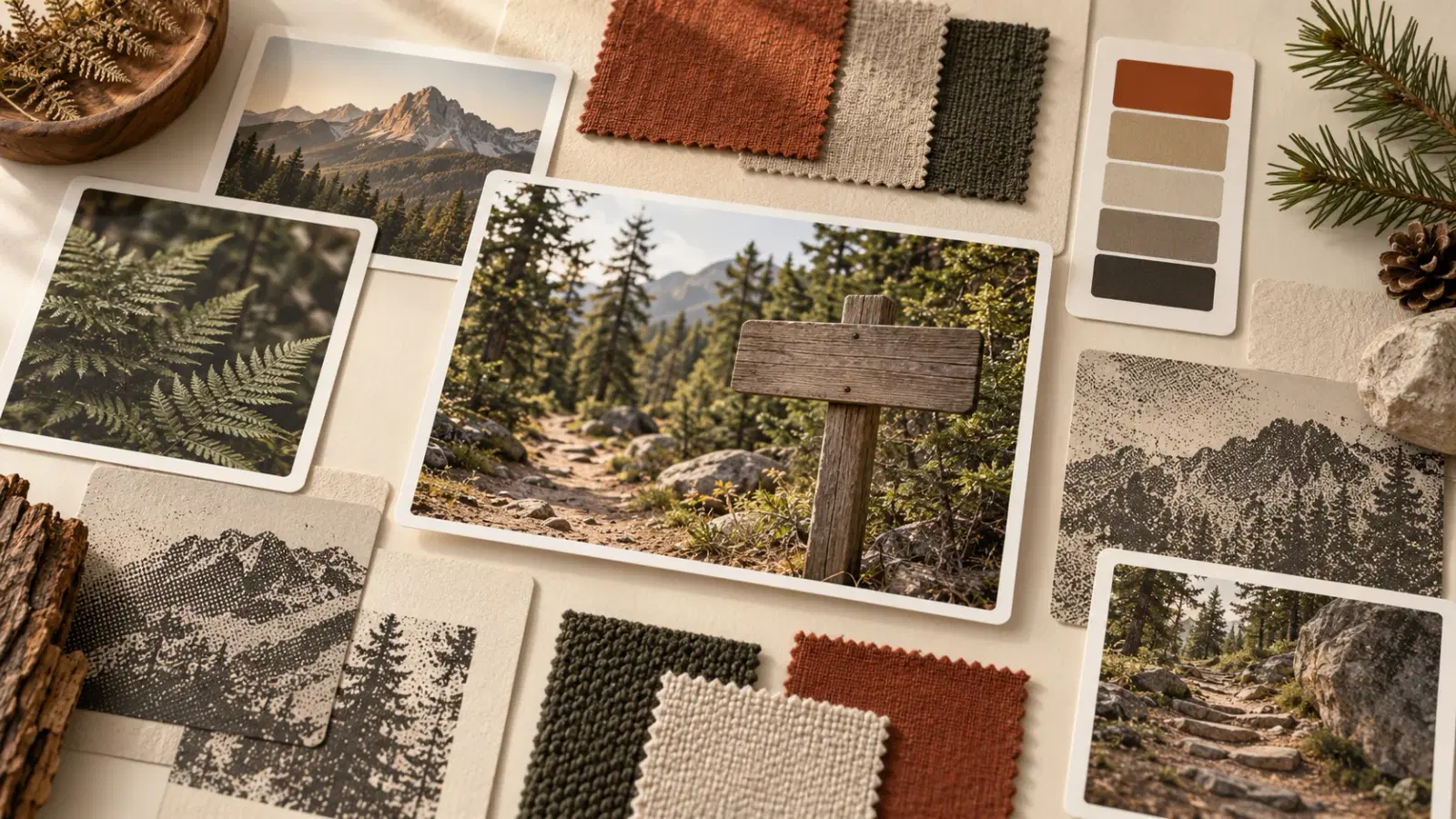
A fashion mood board is a curated set of images, colors, textures, and words that defines the look of a collection before you design a single piece. To make one that becomes products, collect wide, cut to about a dozen images, and pull a palette. Then write the rules down as a style spec and pick one anchor image that every design gets made against.
Most guides stop at the board. That's the problem.
You've probably built one already. Forty pins, a nice color story, a feeling you can't quite name.
Then you sit down to design the first tee and the board doesn't tell you anything useful. Is the linework thick or thin? Is there type? Which of those six oranges is the orange?
If you're building a clothing brand, your mood board has one job: to be the style reference every design in your drop is made against. This guide shows you how to build a fashion mood board that does that job. You'll make the board, distill it into a one-page spec, and then turn a single image into a set of designs that look like siblings instead of strangers.
Key Takeaways
- A fashion mood board is a decision tool, not a scrapbook. Cut it to 9 to 12 images, because a board that holds everything decides nothing.
- Translate the board into a written style spec: palette, medium, motif family, type, composition habit, and one thing you'll never do. The spec, not the board, is what keeps a drop consistent.
- Pick one anchor image and generate every design against it. Yves Saint Laurent built his 1965 Mondrian line from one painter's grids and color blocks.1
- For a print-on-demand brand, a clothing mood board is about artwork, not silhouettes. Skip the fabric swatches and focus on palette, linework, and type.
- Use your own photos as anchors. Creative Commons notes that style generally isn't protected by copyright but specific works are, and the US Copyright Office says prompts alone don't make you the author of AI output.2
What Is a Fashion Mood Board?
A fashion mood board is a visual brief: a single page of images, colors, textures, type samples, and a few words that together define the look and feeling of a collection. Designers use it to make decisions before they sketch, and to keep every piece in a collection pointed in the same direction.
What goes on one is simple. Photographs, garment details, color swatches, fabric or print textures, typography you like, and a handful of words. What makes one good is harder: every item earns its place by telling you something you'll act on.
The classic proof that one visual source can carry a whole line is Yves Saint Laurent's Mondrian series. Saint Laurent took the grids and color blocks of Piet Mondrian's paintings and turned them into a series of wool jersey shift dresses for fall/winter 1965-66, piecing each block and hiding the shaping in the seams between them.1 One visual idea, applied with discipline across every look. That's the move you're going to make, just with a print file instead of a sewing room.
Mood Board, Inspiration Board, and Style Reference
These get used interchangeably, but they do different work:
- Inspiration board: everything that caught your eye. Wide and unfiltered.
- Mood board: the edited version. It sets direction and feeling.
- Style reference: a single image a designer or an AI tool copies the look of, without copying its subject. Midjourney uses the term for its
--srefparameter, which reads the style of a reference image and applies it to new prompts (Midjourney's style reference notes).
The rest of this guide walks you from the first to the third.
The Four Types of Fashion Mood Board
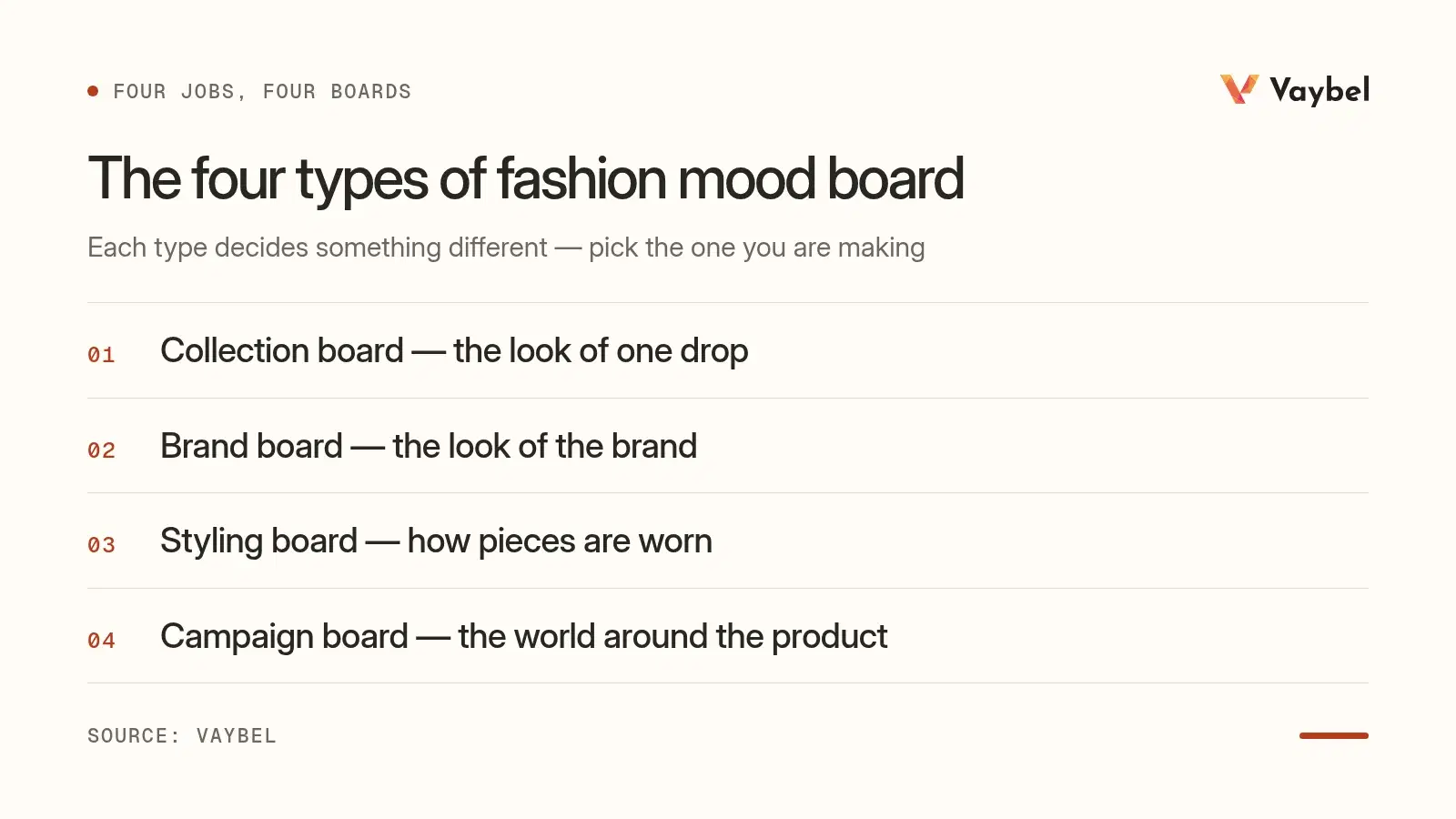
Most fashion mood board examples you'll find online fall into four types, and each does a different job. Pick the one you're actually making:
| Type | What it decides | Example | Who needs it |
|---|---|---|---|
| Collection board | The look of one drop: palette, motifs, mood | A faded national-park drop: signage, ferns, five earthy colors | Anyone launching a set of designs |
| Brand board | The look of the brand across every drop | Logo lockups, two typefaces, the core palette, three reference brands | Founders setting a long-term identity |
| Styling board | How pieces are worn and combined | Outfit photos pairing a graphic tee with denim and boots | Lookbooks and photo shoots |
| Campaign board | The world around the product: locations, light, models | Golden-hour trail shots, film grain, candid poses | Launch content and ads |
Here's the reframe most guides miss. If you print on blanks, you aren't designing silhouettes. The garment is already decided: a tee, a hoodie, a crewneck.
So your mood board for fashion design should be about artwork, not cut and fabric. Leave out the runway shots of drapey trousers. Fill it with palette, linework, texture, type, and subject matter instead.
How to Make a Fashion Mood Board in Seven Steps
Here's the process, start to finish. Plan on an evening for your first one.
- Write a one-sentence brief. Who wears this, and where? "Weekend hikers in their thirties who like vintage park signage" gives you something to cut against. "Outdoorsy vibes" doesn't.
- Collect wide. Gather 40 to 60 images. Start with your own photos (they're yours, which matters later), then add references from Pinterest, books, and museum archives.
- Cut hard. Get down to 9 to 12 images. For each one, ask what it tells you to do. If the answer is "nothing specific," it goes.
- Pull the palette. Pick five colors straight from your images. A free tool like the Coolors image picker gives you exact hex codes from any photo.
- Add texture and type. One or two print textures (halftone, grain, distressed ink) and one or two typefaces you'd actually use.
- Pick the anchor image. This is the single image that best captures the whole board. Every design will be generated against it.
- Annotate. Write three words that describe the mood and one rule you won't break.
The step everyone skips is six. A board with 12 equally weighted images is still a committee. The anchor is the tiebreaker.
Video: Create Your Dream Fashion Mood Board NOW! by 383 Design Studio, a walkthrough of assembling a designer's board.
Turn the Board Into a Style Spec
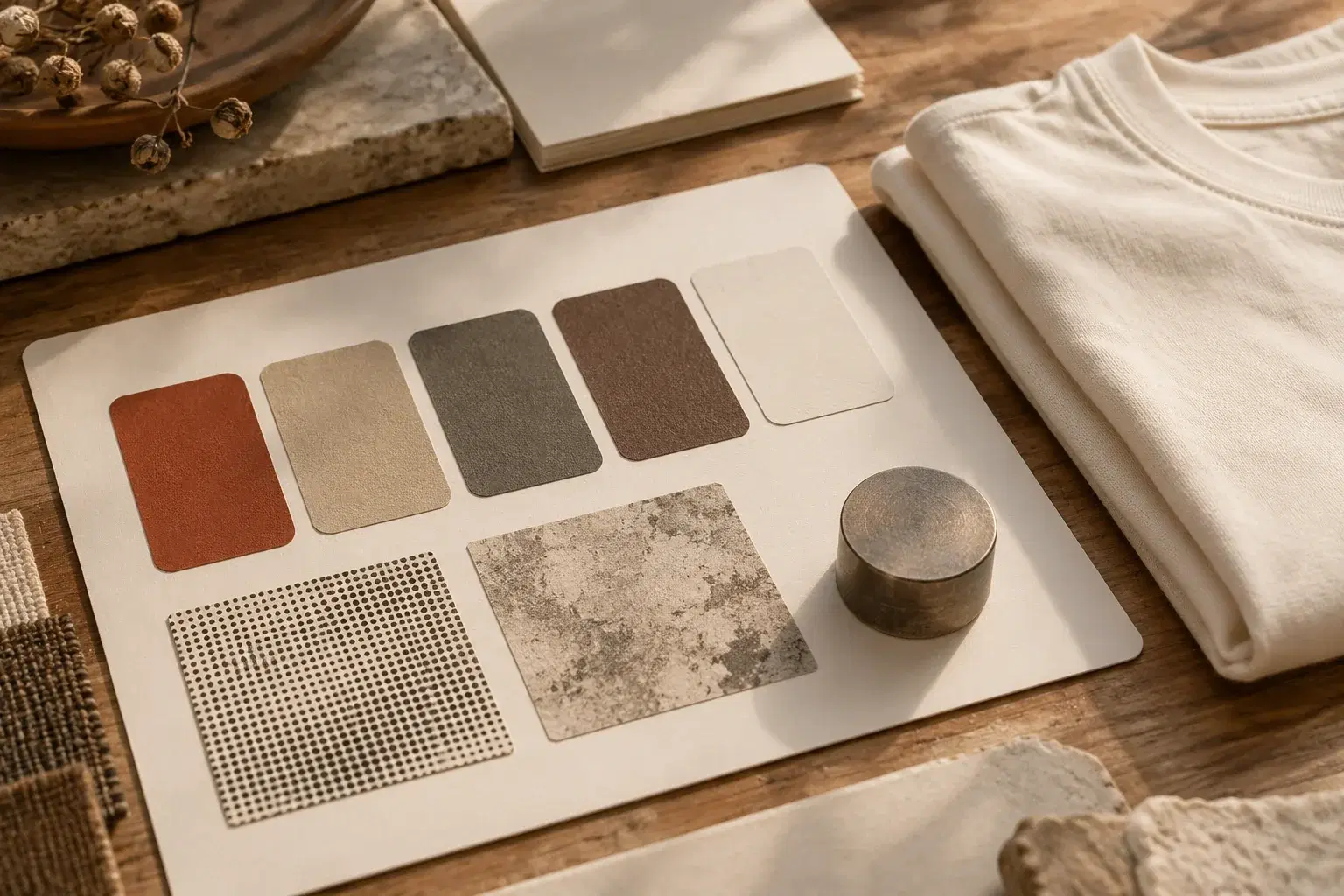
A board is a mood. A drop needs decisions. The style spec is the bridge, and it's the piece of this process that nobody else writes down.
It's one table. Fill it in by looking at your board, not by imagining:
| Spec line | What to write | Example: "faded trail sign" drop |
|---|---|---|
| Palette | Five hex codes from your images | #C8553D rust, #F2D0A4 sand, #2E4057 slate, #8C7051 bark, #E9E3D5 bone |
| Medium | How the art looks like it was made | Two-color screen print look, light halftone |
| Linework | Weight and character of lines | Thick, slightly rough, no hairlines |
| Motif family | The subjects allowed in this drop | Trail signs, ferns, birds, mountain profiles |
| Type | Typeface style, if any | Rounded slab serif, all caps |
| Composition habit | How designs sit on the garment | Centered badge on the chest, small mark on the back |
| The "never" | One thing that breaks the drop | No neon, no photorealism |
The example column is illustrative. Copy the table as a template, and fill yours in straight from your own board.
Why One Anchor Beats the Whole Board
It's tempting to feed every image on your board into a design tool and let it figure things out. Don't. When you average a dozen references, you get averaged art: muddy palettes, mixed line weights, a style that belongs to nothing.
One anchor plus a written spec gives you two things a whole board can't: a single visual target, and rules you can check every design against. Saint Laurent's Mondrian dresses didn't blend six painters. They followed one.1
From One Image to a Drop: Generating Designs That Match
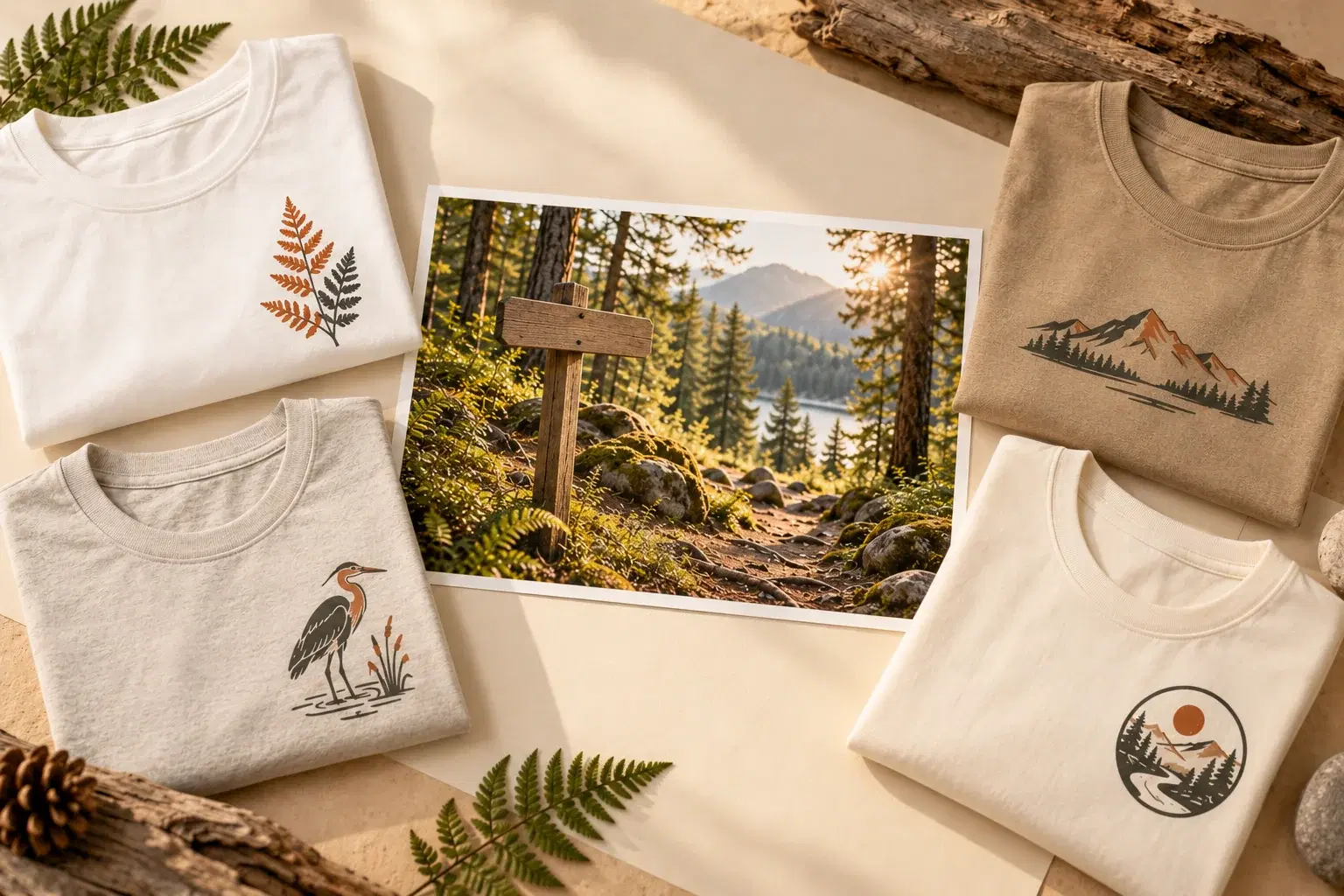
Now the anchor goes to work. Here's how a five-design drop comes together in Vaybel's AI Design Generator, which can place an uploaded image exactly as it is or generate new artwork from it.
Design One: The Anchor Design
Upload your anchor image and describe the first design using your spec. Vaybel generates new artwork from the photo rather than printing it as is, and keeps its subject recognizable. Something like "turn this trail photo into a badge with ferns, two-color screen print look, thick rough linework, rounded slab serif reading TRAILHEAD."
Judge the result against the spec, not against your gut. Does it use the palette? Is the linework right?
If it misses, edit it in plain words ("make the lines thicker," "remove the text") instead of starting over. Edits are scoped to what you ask for, and placements you don't mention stay exactly as they are.
Designs Two Through Five: Siblings, Not Copies
Keep the same spec clause for every design and change only the motif: ferns on one, a heron on the next, a mountain profile on the third. Vaybel builds from an uploaded photo's own subject rather than lifting only its style, so for the siblings the written spec and your palette carry the look. That's the job the spec was written for.
This is where most drops fall apart. People reword the style every time, and five slightly different descriptions produce five slightly different styles. Copy and paste the spec clause instead. Our guide to writing AI prompts for clothing design covers how to phrase that clause so it survives across designs.
Within a single design, the back and sleeve placements take their style from the main print, usually the front, so a two-sided tee reads as one product.
Lock the Palette With Brand DNA
Add your five colors to your store's Brand DNA. Brand DNA feeds into design generation, so your palette keeps steering new designs even when a prompt forgets to mention it. If you add garment colors later, the generator checks whether the art stays readable on each new color and offers to adapt it if it doesn't.
Check the Set Side by Side
Put all five designs next to each other as flat product images. The one that doesn't belong will be obvious in seconds. It usually broke "the never" or drifted on line weight.
Fix that one, not the whole drop. Our comparison of flat lays and lifestyle mockups explains why flats are the right format for this check.
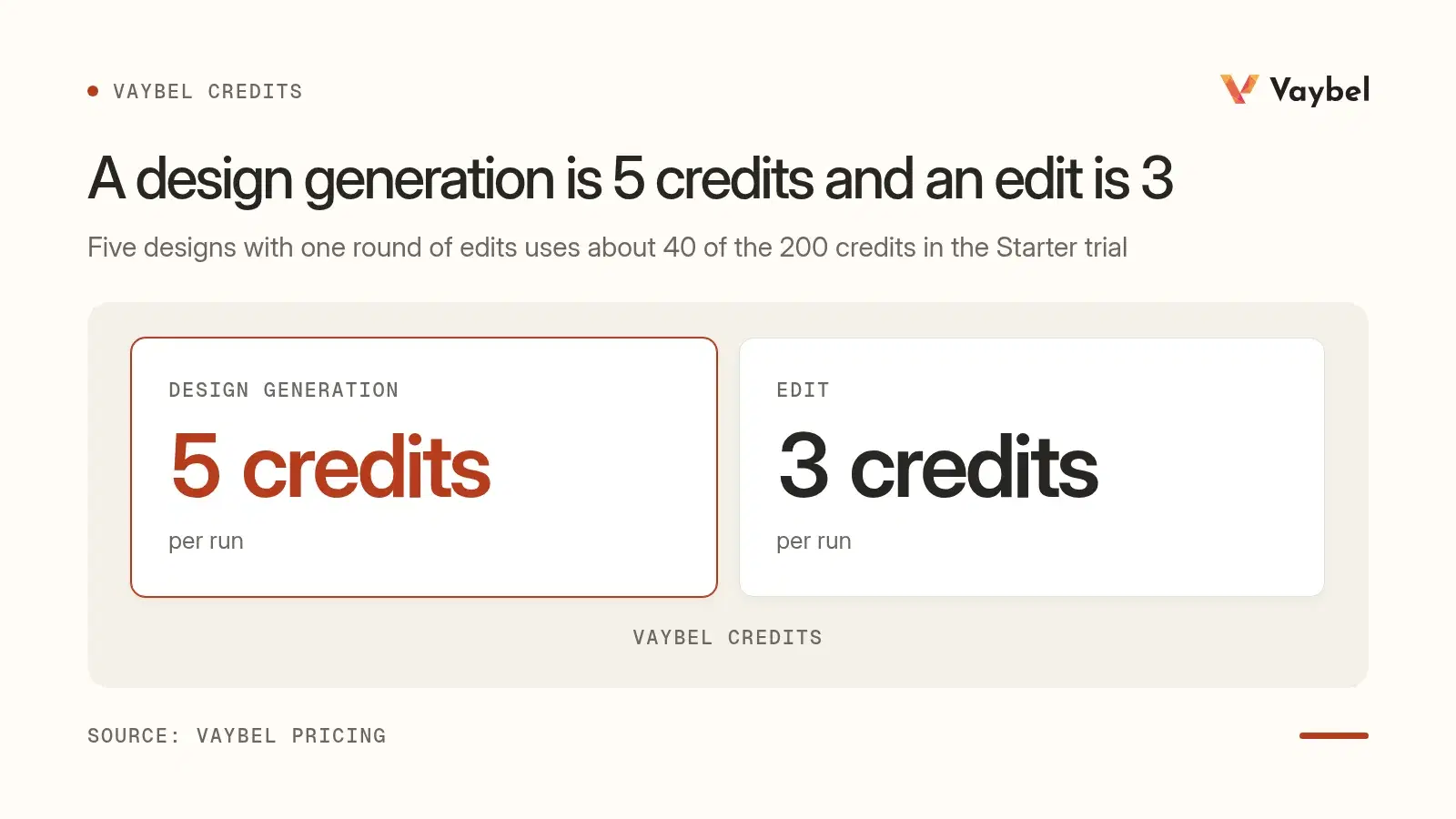
On cost, a design generation is 5 credits and an edit is 3 on Vaybel's plans. Five designs with one round of edits uses about 40 of the 200 credits in the Starter trial.
Ready to try it with your own anchor image? Start a free 7-day trial and generate your first design from it tonight.
Whose Image Can You Use as a Style Reference?
This is the question nobody covering mood boards answers, and it matters more once you're selling.
US copyright law excludes ideas, methods, and concepts from protection,3 and Creative Commons notes that style generally isn't protected by copyright (Creative Commons on style and generative AI). A specific drawing, photo, or print is a different story.
In July 2023, three independent designers sued Shein under federal racketeering law, alleging the retailer sold exact copies of their artwork. Their lawyers allege that Shein "has grown rich by committing individual infringements over and over again."4
Whatever the outcome, the lesson for your board is plain: someone else's finished artwork is not a style reference. It's their work.
Lower-risk anchors:
- Your own photos: places, textures, objects, signage you shot yourself
- Public domain material, like old botanical prints and expired-copyright posters
- Licensed images you have commercial rights to
- Physical textures you scanned: fabric, paper, concrete, rust
Anchors to avoid:
- Another artist's finished design or illustration
- A brand's graphic or logo
- A screenshot of a competitor's best seller
What You Own When AI Helps
There's a second question: what do you own in the output? The US Copyright Office's January 2025 report concluded that prompting alone doesn't give enough control to count as authorship. It also concluded that copyright covers human expression that's perceptible in the output, plus human selection, arrangement, and modification of AI material.2 Courts agree on the baseline: in March 2025 the D.C. Circuit upheld the rule that a work needs a human author to be registered.5
The Office's own examples show where that leaves you. In the Zarya of the Dawn registration, the comic's author kept rights to the human-written text and to the selection and arrangement of the images, but not to the AI-generated images themselves.2
That's the strongest argument for anchoring on your own photography. When the anchor, the edits, and the selection and arrangement of the drop are yours, more of the finished product is the kind of human contribution the Office describes. This isn't legal advice. If a drop is commercially important, talk to an IP lawyer.
Fashion Mood Board Tools Compared
You don't need special software to make a fashion mood board, but the right tool saves time. For the wider field of design tools, see our guide to AI design tools for clothing brands. Here's the honest comparison for boards:
| Tool | Best for | Turns the board into printable art? |
|---|---|---|
| Collecting wide, fast | No | |
| Milanote | Arranging boards with notes and structure | No |
| Canva | Clean, presentable boards with templates | No |
| Adobe Firefly Boards | Boards mixing your images with generated ones | Generates images, not print files |
| Vaybel | Generating designs from your anchor image | Yes, print-ready files on real blanks |
Vaybel isn't a board tool, and it isn't trying to be one. Build the board wherever you like. Bring the anchor image and the spec to the AI Design Generator when it's time to make products. If your drop includes all-over prints, our guide to repeat patterns for clothing covers how the anchor translates to a full-garment pattern.
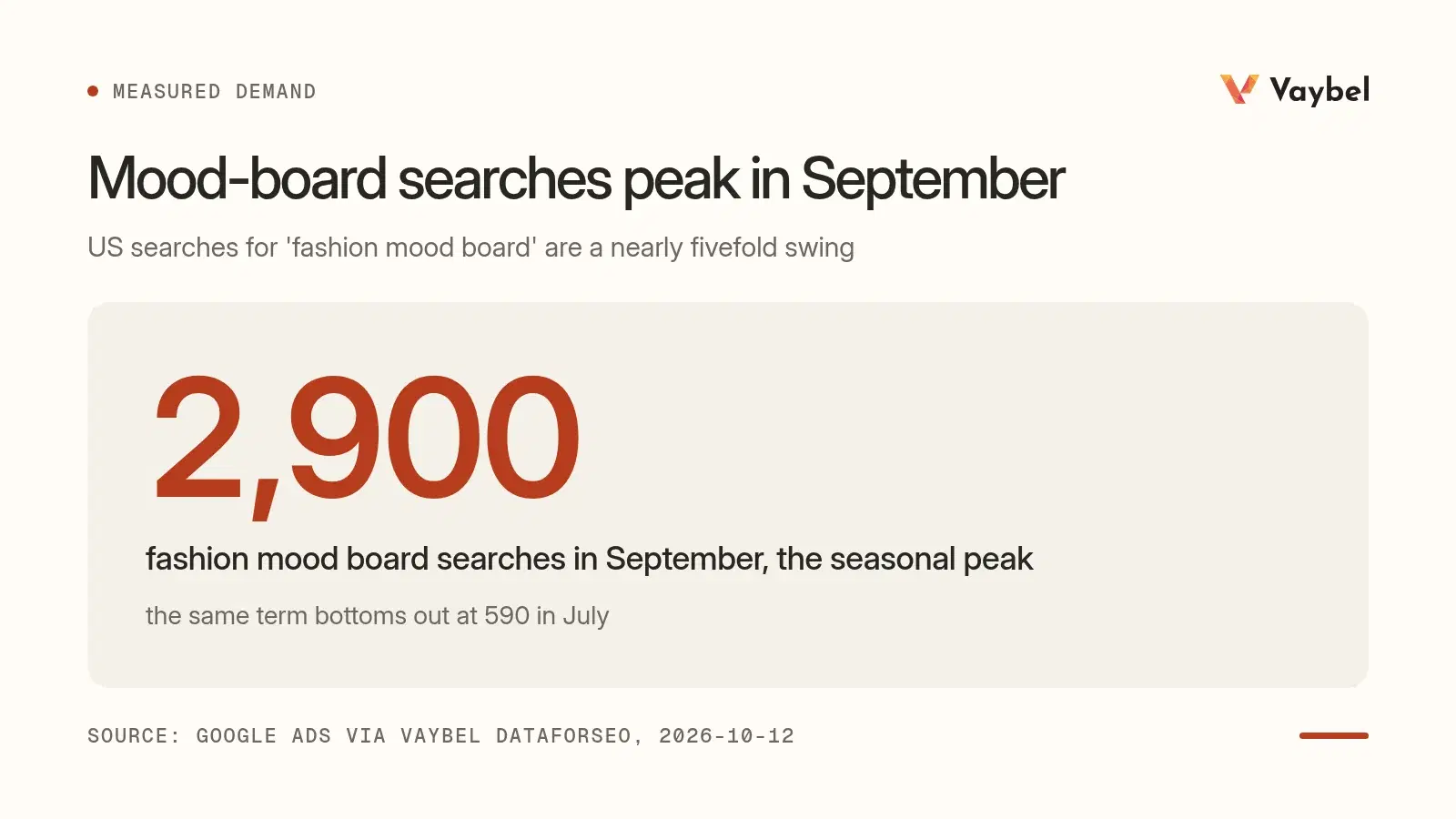
One timing note: interest in fashion mood boards seems to follow the school year. US searches for the term peak in September and bottom out in July, a nearly fivefold swing,6 so autumn is when the most people are building one.
Frequently Asked Questions
How do you make a mood board for fashion design?
Write a one-sentence brief, collect 40 to 60 images, cut them to 9 to 12, pull a five-color palette, add texture and type, pick one anchor image, and annotate it with three mood words and one rule. Then turn it into a written style spec before you design anything.
What is a good mood board for a fashion brand?
A good one is tight enough to make decisions with. Every image should tell you something specific about color, line, texture, type, or subject. If two people could look at your board and design very different collections, it's still too loose.
What do designers use for mood boards?
Most designers mix tools: Pinterest for collecting, Milanote or Canva for arranging, and physical boards for fabric and print samples. Brands that print on demand can add an AI design tool at the end to turn the board into actual artwork.
What is the best fashion mood board app?
It depends on the stage: Pinterest for collecting, Milanote for arranging with notes, Canva for polished presentation boards, and Adobe Firefly Boards for mixing your photos with generated images. None of them produce print files, so pair whichever you choose with a design tool when it's time to make products.
What shouldn't appear on a fashion mood board?
Anything that doesn't change a decision: images you like but can't act on, five versions of the same color, or a dozen competing type styles. And never use another artist's finished design as your anchor. Someone else's photo on a private inspiration board is normal; using their specific artwork as the direct source for a design you sell is where the risk begins.
The Board Is the Mood, the Spec Is the Decision
A fashion mood board earns its keep when it stops being a collection of pretty pictures and starts making decisions for you.
Three things to carry out of this:
- Cut the board to 9 to 12 images that each tell you something.
- Write the spec so five designs follow the same rules.
- Pick one anchor, ideally your own photo, and make every design against it.
Saint Laurent needed one painter's grid. You need one good photo and a page of rules. Build the board this week, write the spec, and see how far one image can carry a drop.
Start your free 7-day trial → Upload your anchor image, generate your first design, and build the rest of the drop around it.
Footnotes
Footnotes
-
The Metropolitan Museum of Art, Yves Saint Laurent, Dress, fall/winter 1965–66, accession C.I.69.23; see also the Met's essay Yves Saint Laurent: When Fashion Meets Art. ↩ ↩2 ↩3
-
US Copyright Office, Copyright and Artificial Intelligence, Part 2: Copyrightability, January 29, 2025. Summary of conclusions, including the Zarya of the Dawn example, via the Copyright Alliance. ↩ ↩2 ↩3
-
17 U.S.C. § 102(b): copyright protection does not extend to "any idea, procedure, process, system, method of operation, concept, principle, or discovery." ↩
-
NPR, Shein steals artists' designs, a federal racketeering lawsuit says, July 15, 2023. The case reflects the plaintiffs' allegations; we have not confirmed its outcome. ↩
-
Thaler v. Perlmutter, D.C. Circuit, March 18, 2025. Coverage via IPWatchdog. ↩
-
Google Ads search volume for "fashion mood board," United States, September 2025 to August 2026, pulled by Vaybel via DataForSEO on October 12, 2026. Monthly volume ranged from 2,900 in September 2025 to 590 in July 2026. ↩