Before You Start
Make sure you have:
- access to the Etsy account that owns the intended shop
- the correct workspace selected
- a clear plan for which workspace owns this shop connection
Need an Etsy shop first? Create it, then come back here:
Where To Start
Open Dashboard -> Settings -> Integrations, then use the Etsy row under Sales Channels.
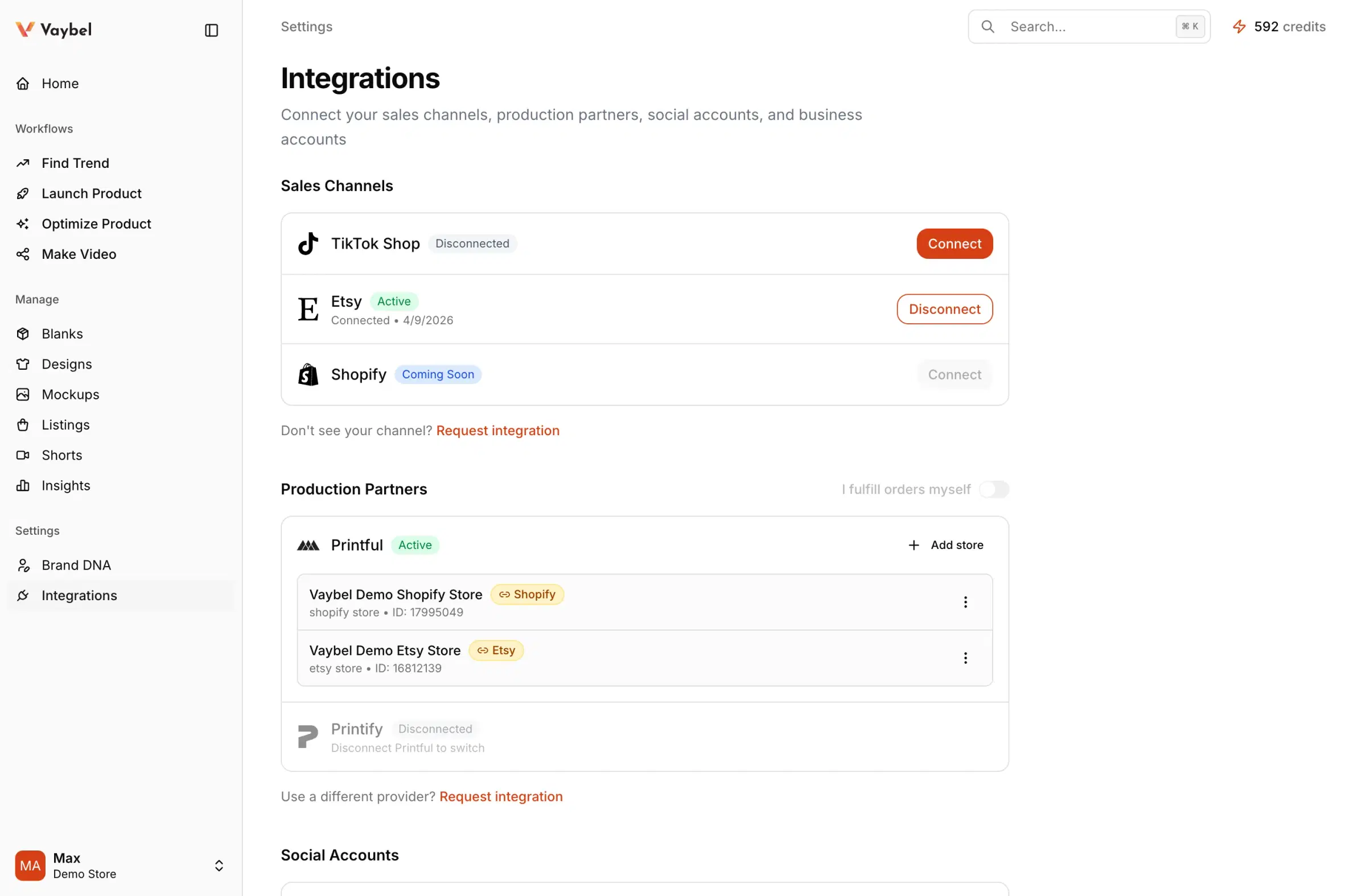
Connection Pattern
- Open Dashboard -> Settings -> Integrations.
- Start the Etsy connection.
- Complete OAuth with the intended Etsy account.
- Return to Vaybel and verify the connection is
Active.
Verify The Connection
After OAuth, confirm the shop shown in Vaybel is the expected Etsy shop and the connection lives in the intended workspace.
What happens next
After the sales channel is connected, connect Printful or Printify in the same workspace and link the correct provider store to this shop in Settings -> Integrations.
Watch For
- authorizing the wrong Etsy account during OAuth
- connecting the right account from the wrong workspace
- continuing to publish setup before confirming the correct shop appears
Group a Drop into a Shop Section
Products attached to a drop are assigned to an Etsy shop section after they are published through Vaybel. Vaybel reuses a section with the drop’s name or creates one. Older connections may need to reconnect to grant section-creation access; the drop can show Reconnect Etsy. A section error does not undo a successful listing publication.
See Plan a Drop and Group Your Listings before organizing a release. Renames and removals are not synchronized back and forth.