Before You Start
Make sure you have:
- admin access to the TikTok Shop seller account
- the correct workspace selected
- a clear decision about which workspace should own this shop connection
Need a TikTok Shop seller account first? Create it, then come back here:
Where To Start
You can connect TikTok Shop from:
- Dashboard -> Settings -> Integrations
- the initial store setup flow, if you are still setting up the workspace for the first time
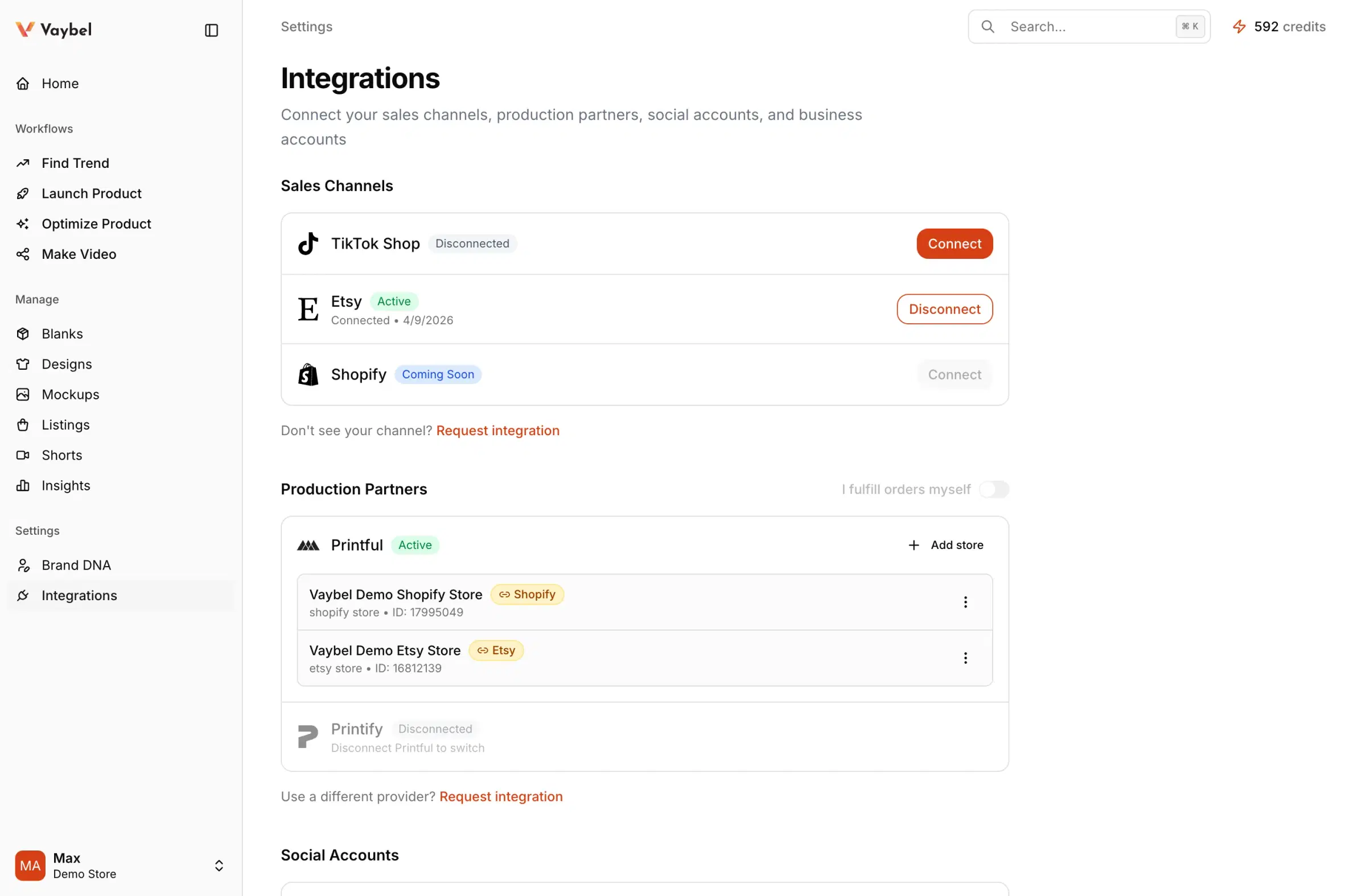
Connection Pattern
- Open the integrations area in the intended workspace.
- Start the TikTok Shop connection flow.
- Complete OAuth with the exact seller account you intend to use.
- Return to Vaybel and confirm the store is shown as
Active.
Verify The Connection
After OAuth, confirm TikTok Shop shows Active, the displayed shop name matches the intended TikTok Shop, and the connection appears in the expected workspace.
What happens next
After the sales channel is connected, connect Printful or Printify in the same workspace and link the correct provider store to this shop in Settings -> Integrations.
Watch For
- authorizing the right shop from the wrong workspace
- authorizing the wrong seller account
- assuming a green status means the correct shop was connected